If you’ve installed a smart lock on your front door but can’t access it from your phone, or if your lock keeps losing connection when you’re away, you’re missing a critical piece of the puzzle: a smart lock gateway. The Smart Lock Gateway G2 is the hub that bridges the gap between your smart locks, your smartphone, and your home network. Think of it as a translator that lets your locks speak to you from anywhere, not just when you’re home and on WiFi. This guide walks you through what a gateway does, why the G2 stands out, and whether it’s the right upgrade for your home security setup.
Table of Contents
ToggleKey Takeaways
- The Smart Lock Gateway G2 bridges your smart locks and smartphone by translating Zigbee and Z-Wave signals into internet commands, enabling remote access and control from anywhere.
- G2 gateways respond to unlock commands within 2–3 seconds and support dual-protocol compatibility with Apple Home, Google Home, and Amazon Alexa for seamless smart home integration.
- Proper placement within 30–50 feet of your locks and using the 2.4 GHz WiFi band ensures optimal Zigbee signal strength and reliable gateway performance.
- Enable two-factor authentication, use strong unique passwords, and regularly review your lock’s activity log to maintain security and prevent unauthorized remote access.
- Smart lock gateway systems require minimal maintenance after setup, with battery-powered locks lasting 6–12 months and firmware updates available through the manufacturer’s app for security patches.
What Is A Smart Lock Gateway And Why You Need One
A smart lock gateway is a small networking device that acts as a bridge between your smart locks and the internet. Most smart locks operate on Zigbee or Z-Wave, low-power wireless protocols that don’t connect directly to WiFi or your home router. Without a gateway, your lock only communicates with devices on the same Zigbee mesh network within your home, which limits you to controlling the lock from inside your house.
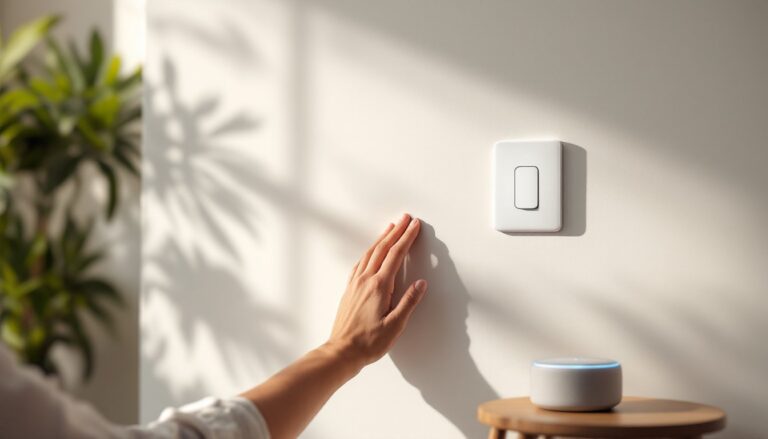
The gateway solves this problem by translating Zigbee signals into internet commands, letting you unlock your door from anywhere using a smartphone app. It also enables automation: lock the door automatically when you leave, receive notifications when someone arrives, or integrate your lock with other smart home devices like cameras, lights, and thermostats.
Most smart lock owners eventually realize they need a gateway when they try to use features promised in the marketing materials, remote access, real-time alerts, scheduling, and discover the lock won’t work without one. If you’re choosing between a standalone lock and a gateway setup, budget around $50–$150 for the gateway itself, depending on the brand and features.
Key Features Of The Smart Lock Gateway G2
The Smart Lock Gateway G2 improves on earlier gateway models with faster processing, better range, and improved reliability. Here’s what sets it apart from a basic Zigbee hub.
Remote Access and Control
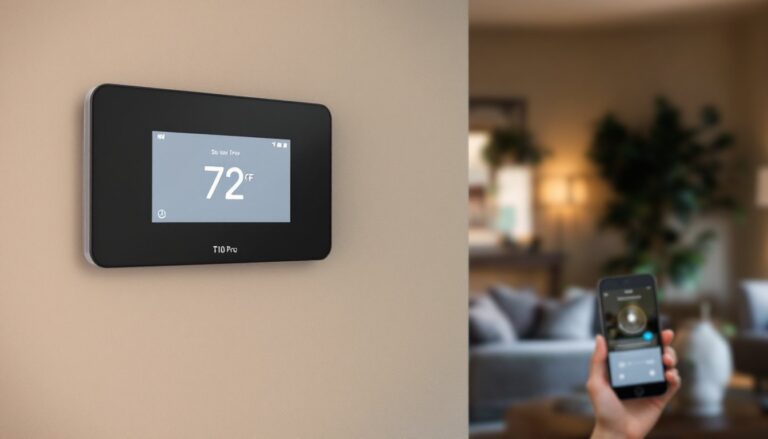
The G2 lets you unlock your door from anywhere with an internet connection. You can share temporary access codes with guests, contractors, or delivery services without handing over a physical key. The app shows your lock status in real time, locked, unlocked, or jammed, and sends notifications when the lock is used. Unlike older gateways that sometimes lag, the G2 responds to unlock commands within 2–3 seconds, making the experience feel responsive rather than frustrating.
You can also set automation rules: unlock automatically when you arrive home (using your phone’s location), lock automatically at sunset, or require two-factor authentication for remote unlocks if you want extra security. The G2 supports schedules for family members, meaning your teenage son’s lock access can expire at 11 p.m. on school nights without you needing to manually disable it.
Enhanced Connectivity and Integration
The G2 supports both Zigbee and Z-Wave devices, making it compatible with a wider range of smart locks than gateways that support only one protocol. This matters because the best lock for your budget might use a protocol your current gateway doesn’t support, the G2 removes that constraint.
It also integrates with major smart home platforms: Apple Home, Google Home, and Amazon Alexa. This lets you voice-control your lock (“Alexa, lock the front door”) and automate it alongside other devices. For example, you can create a “leaving home” routine that locks the door, arms a security system, and turns off lights with a single command. Some users also connect the gateway to Aqara smart locks like the U100, which use Zigbee and require a compatible gateway for remote functionality.
Installation and Setup: Getting Started With Your Gateway
The Smart Lock Gateway G2 is one of the easiest smart home devices to install, but getting it right matters for reliability.
Physical Placement:
Place the gateway in a central location in your home, ideally within 30–50 feet of your smart locks. Gateways work best when mounted on a wall outlet in a hallway, kitchen, or living room rather than hidden in a closet or garage. The G2 has a small indicator light that shows network status: you want this visible so you can troubleshoot if something goes wrong. Avoid placing it next to a microwave, WiFi router, or cordless phone, as these devices can interfere with Zigbee signals.
Network Setup:
Plug the gateway into a standard outlet and download the manufacturer’s app on your smartphone. The app will prompt you to connect the gateway to your home WiFi network. Use your 2.4 GHz WiFi band (not 5 GHz, Zigbee devices prefer slower, longer-range frequencies). You’ll create an account, set a strong password, and enable two-factor authentication if available.
Adding Locks to the Gateway:
Once the gateway is online, put your smart lock into pairing mode (usually by holding a button for 10 seconds) and use the app to discover it. The lock should appear in your app within a minute. Repeat this for any additional locks. This process is quick, typically 2–3 minutes per lock.
First Test:
Lock and unlock each door using the app from your phone while standing inside your home. Once that works, leave your house and test remote access to confirm the gateway is routing commands correctly. If the app doesn’t find the lock, move the gateway closer or check that both devices are on the Zigbee network. Poor Zigbee signal is the most common issue, but moving the gateway 10 feet often fixes it.
Smart Lock Gateway G2 vs. Alternatives: Which Is Right For You
Not all gateways are equal, and choosing the right one depends on which locks you own and which smart home ecosystem you use.
G2 Strengths:
- Dual protocol support (Zigbee and Z-Wave) means compatibility with most locks on the market.
- Fast response times and reliable connectivity.
- Works with Apple Home, Google Home, and Alexa, giving you flexibility in voice control.
- Compact design doesn’t look out of place in your home.
When to Consider an Alternative:
If you use only WiFi-enabled smart locks (some premium models connect directly to your network), you don’t need a Zigbee gateway, a basic WiFi hub or your router alone may suffice. But, WiFi locks drain batteries faster and tend to be more expensive. If your smart locks already came with their own proprietary gateway, adding a second gateway for multi-protocol support might be overkill unless you’re expanding your system.
Some homeowners choose to compare the G2 against dedicated smart home hubs like the Amazon Echo Show or Apple HomePod. These devices function as gateways and give you voice control, but they’re pricier and take up more space. The G2 is purpose-built for locks, making it the leaner choice if security is your primary goal.
Products like Aqara’s U100 smart lock have gained popularity because they work with affordable Zigbee gateways like the G2, giving you a solid lock-and-gateway combo at a reasonable total cost. This pairing is often cheaper than buying a premium WiFi lock plus a hub.
Maximizing Security and Convenience in Your Smart Home
Once your gateway and locks are installed, a few best practices keep your system secure and running smoothly.
Security Habits:
Enable two-factor authentication on your gateway account, this prevents someone who guesses your password from unlocking your door remotely. Use unique, strong passwords: password reuse is how most smart home accounts get compromised. Review your lock’s activity log regularly: the app should show you every unlock, when it happened, and who triggered it. If you see an unexpected unlock, change your password immediately and check that your WiFi network is secure.
Automation and Convenience:
Start with simple automations: lock at sunset, unlock when you arrive home. These take the cognitive load off, you’re never fumbling for keys or wondering if you locked up. More advanced users create rules like “lock all doors when the alarm is armed” or “send a notification if the lock is used after midnight.” Avoid overlapping automations that might conflict: for instance, if you set the lock to unlock when you arrive and a guest also has auto-unlock enabled, both might trigger at the same time.
Maintenance:
The gateway needs internet access to function, so monitor your WiFi connection. If your internet drops, the gateway won’t work, your lock will still function locally (using Zigbee), but remote access disappears. Keep the gateway firmware updated: manufacturers release security patches regularly. The app usually notifies you when an update is available.
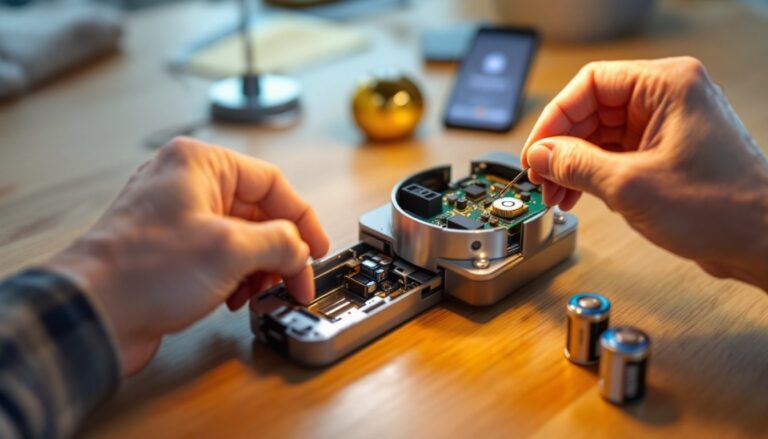
Most users report that a smart lock gateway system needs almost no maintenance once set up. Battery-powered smart locks typically last 6–12 months per set of batteries, depending on usage and battery type. High-quality alkaline or lithium batteries cost less and last longer than budget options.
For those integrating multiple lock types, like adding another Aqara lock model to an existing system, the G2 handles the complexity without requiring manual configuration, both locks appear in the same app and respond to the same automations.